How to Install IPTV Nordic on LG Smart TV (webOS)
Works on all LG webOS models from 2014 onwards.
LG Smart TVs running webOS support IPTV apps available from the LG Content Store. SS IPTV is the recommended free option for LG webOS TVs. This guide covers all LG webOS models from 2014 onwards. View our pricing plans starting from 195 kr/month. Order via WhatsApp at our support team for instant activation.
Setting Up IPTV Nordic on LG Smart TV — Step by Step
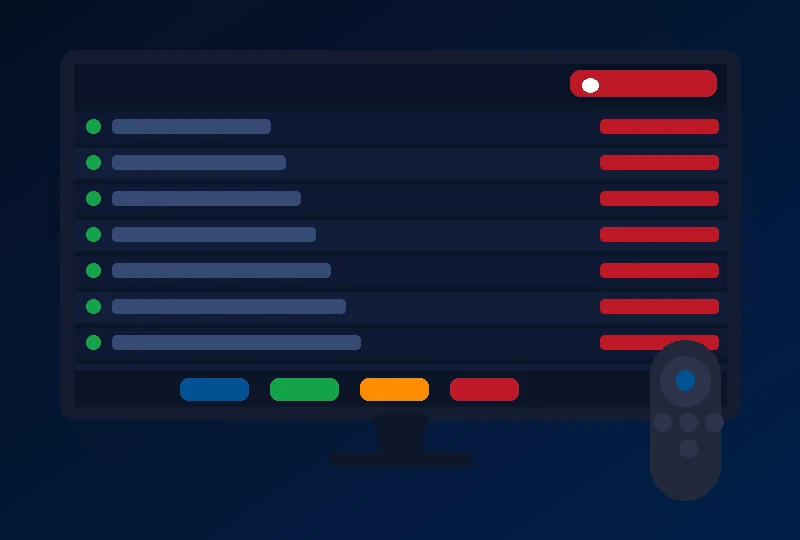
Step 1 — Find SS IPTV in the LG Content Store
Press the Home button on your LG Magic Remote, navigate to the LG Content Store and search for "SS IPTV" or "Smart IPTV".
Step 2 — Install the SS IPTV App on Your LG TV
Install SS IPTV from the LG Content Store. It is free with no activation fee and works on all LG webOS models.
Step 3 — Enter Your Pro IPTV Nordic Playlist in SS IPTV
Open SS IPTV on your LG TV. Go to Settings → Playlist and enter your Pro IPTV Nordic M3U URL. Alternatively, use Xtream Codes login details for better EPG support.
Step 4 — Load Your Channel List and Start Watching
Save your settings and reload the channel list. Navigate with your LG Magic Remote — the point-and-click interface works well for browsing categories.
Need your Pro IPTV Nordic credentials?
Order via WhatsApp — our support teamBest IPTV Apps for LG webOS Smart TVs
SS IPTV (Recommended)
The best free IPTV app for LG webOS TVs. No activation fee. Excellent M3U and Xtream Codes support, EPG integration and a clean interface optimised for the LG Magic Remote.
Smart IPTV
Works on LG webOS via M3U URL activation. Small one-time activation fee. Good stability and EPG support across all LG Smart TV models.
webOS IPTV Apps
Browse the LG Content Store for the latest IPTV-compatible applications for your specific webOS version.
LG Smart TV IPTV — Your Questions Explained
Related guides: Samsung TV · Android TV · Firestick · Apple TV
IPTV Nordic on LG Smart TV Pro IPTV Nordic — Subscribe and Start Streaming
Order via WhatsApp for instant activation — usually within 2 minutes.